
Offline CRM for field reps: what has to work at zero bars
For industrial & MRO distributors: what a rep needs from a CRM at a site with no signal, how Salesforce, HubSpot, Zoho, Dynamics 365 and Pipedrive document offline use in their own help pages, where each one stops, and a ten-minute airplane-mode test.
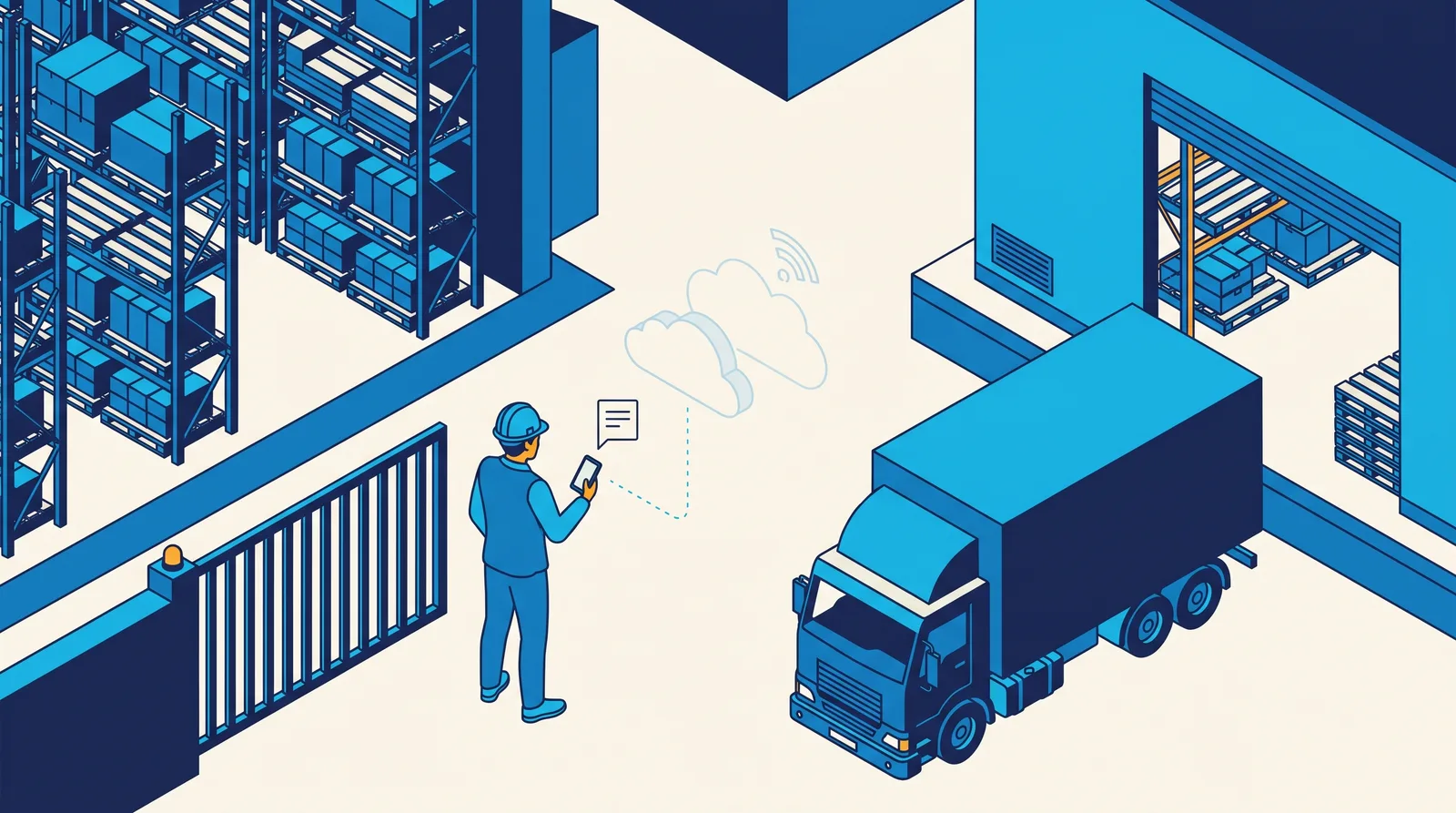
The short answer. An offline CRM for a distributor's field rep has to do one job at a site with no signal: let the rep record the visit so that it reaches the customer's record, once, when signal returns. Everything else offline is a bonus. In our view the test is not "does it have an offline mode" but three smaller questions: what can the rep add with no signal, what can the rep still read, and who has to switch it on before the truck leaves the yard. On the vendors' own help pages, read October 26, 2026, all five CRMs below document some offline use, and they differ a lot. Salesforce, Dynamics 365, Pipedrive and Zoho all say a rep can add or change records offline, and they differ on what is cached and what is left out. HubSpot's offline record access is read-only and in beta, with a separate offline route for meeting recordings. AlterFlow's sales and territory CRM captures notes and voice notes with no signal and needs signal for contacts and history, so it covers less offline than the four that edit records.
What does a field rep actually need with no signal?
A rep at a plant, a mine level or a rural yard needs three things in this order.
- Capture the visit. A note, a voice note or a short outcome, saved on the phone the moment it is written, with no "you are offline" error and no lost text.
- Read what was cached. The account, its contacts and the last few touches, so the rep does not walk in blind. This only works for records the phone downloaded earlier.
- Sync without drama. When signal returns, the capture lands on the right customer, once, and the rep does not have to remember to press anything.
Most vendors do the first two in different proportions, and each draws its own line on the third. The line is where the questions are. A CRM that lets reps edit any field offline still has to decide what happens when the office edited the same record meanwhile. A CRM that only captures notes has avoided that problem by doing less.
Who turns offline on, and how much is downloaded?
This is the question that decides whether reps use it. An offline mode that needs a setting turned on in the app before leaving coverage will be off on the day it matters. Check who owns that switch: the rep, the administrator, or nobody because it is automatic.
The second question is how much is on the phone. Every product with offline reading caches a slice of the data, not the whole database. For a distributor with thousands of customer sites, the slice is usually the records the rep opened recently. On Salesforce and HubSpot, as their pages describe the cache, a rep who opens an account for the first time at the gate will not find it; Dynamics 365 and Zoho document bulk downloads set by an administrator's profile or by module.
How do five CRMs document offline use?
Each row is the vendor's own help or product page, read October 26, 2026. Dates in brackets are the page's own "last updated" stamp; where a page shows none, we say so. We describe what each page says, not how well it works in the field: only a test with your own phones can tell you that.
| Read offline | Add or change offline | Who turns it on | What the page says is not covered | |
|---|---|---|---|---|
| Salesforce (mobile app on Android and iOS; help pages show no date) | Caching: recently accessed records for the five most recently used objects, plus recent tasks and dashboards | Offline Edit, labelled Beta on the limits page: create, edit and delete records, with the limits listed in the next column | An administrator, in Setup under Salesforce Offline; caching is switched on the first time anyone in the org installs the app; the Work Offline page says the cache starts empty at login and users choose items to cache | New on related lists, Log a Call, Post and Change Owner not supported offline; lookup filters not supported; notes cannot be related to records offline; tasks need the simpler New Task form turned off |
| HubSpot (the page lists Sales Hub and Service Hub at Starter, Professional and Enterprise, and Revenue Hub at Professional and Enterprise; [October 6, 2026]) | Read-only: the 50 most recently viewed records of each type (contacts, companies, deals, tickets), up to 200 records, with three recent engagements and five upcoming tasks each | No: you cannot edit, create or delete records, properties or activities offline. Separately, the Mobile Notetaker records a meeting offline and you attach it to CRM records once online (Sales Hub and Service Hub Professional and Enterprise, seat required; [October 14, 2026]) | A Super Admin opts the account into a beta; each user turns Offline Mode on in the app before going offline | Custom objects unavailable offline; files and attachments unavailable; accounts storing sensitive data excluded; data resyncs automatically every 24 hours |
| Zoho CRM (mobile app; the product pages show no date or edition; the help FAQ we read is an iPhone FAQ that says it was updated six months ago and refers to older iOS versions) | "Access and modify your records even when you're offline"; the FAQ says 1,000 Contacts and 200 records of each other module are downloaded, and records can be searched on the server | "Update info offline and sync later" | The FAQ says the Mobile Edition must be activated | The product pages give no limits; the FAQ's figures and wording may predate the current app |
| Dynamics 365 Sales (Sales Hub or Sales Professional app; [May 29, 2026]) | The records the offline profile downloads | A table of actions. Offline, for accounts: new, delete, edit and save; for opportunities: new, close as won or lost, delete, edit and save, and add product lines. Adding related contacts, activities and notes on an account is listed under online actions | An administrator enables mobile offline in the app and associates a mobile offline profile with each user | For lookup fields, only downloaded records can be referenced; actions such as assign, email as PDF and run report are listed as online only |
| Pipedrive (mobile apps; [September 3, 2026]) | Not described beyond working in the app | "Move deals along your pipeline, add notes, activities and anything you would normally do" in the mobile app, synced automatically when the phone is back online | Nothing to switch on is described: the page says offline is simply when the phone has no connection | The page names no limits and no edition |
Three things stand out. First, four of the five say a rep can change records offline; HubSpot says plainly that its record access is read-only. Second, Salesforce, Dynamics 365 and HubSpot publish what does not work offline, which is the information you need; the Pipedrive and Zoho product pages we read do not. Third, the Zoho and Pipedrive pages describe no offline setting at all, so ask each vendor in your own demo with them.
Two cautions. Offline behaviour changes with app versions, and some of these pages were updated within the last month. And the Salesforce setup page is the administrator's side; whether reps can do each action in your configuration is a test, not a reading.
What does the rep still need signal for?
Every product above needs a connection for something. The useful way to find out is to list the rep's day and mark each step "works with no signal" or "needs signal":
- Open an account the rep has never opened on this phone.
- Search the whole customer list.
- See equipment, quotes and the last order history.
- Add a note or voice note to a customer.
- Create a new contact on site.
- Change an owner, a stage or a follow-up date.
- Attach a photo of a nameplate.
- Look up a lookup field or a picklist that depends on another field.
Salesforce's help, for example, says that dependent lookups and picklists for a cached record are not supported offline unless the user interacted with them before the record was cached, and that offline lookups accept a typed name but do not search related records until the phone is online. HubSpot's page says files and attachments are unavailable, and Salesforce's says notes cannot be related to records offline. None of this is a flaw; each is a boundary you want to know before the first site visit.
How do you test an offline CRM in ten minutes?
This is our recommended test, and it works on any CRM with a mobile app. Use a real phone, not a desktop browser, and an account that the rep has not opened recently.
- Set up online. Install the app, sign in, turn on whatever offline setting the app asks for, and open three customers you would visit tomorrow.
- Go offline for real. Switch on airplane mode and leave it on. Close the app completely and reopen it.
- Read. Can you open the three customers? Can you open a fourth you have never opened? Note what the app says.
- Capture. Write a note and a follow-up date on one customer. If the product has voice notes, record one. Does the app tell you the capture is saved on the phone and not yet sent?
- Edit. Change a contact's phone number and a deal's stage, if the product allows it. Note which fields are locked.
- Collide. On a desktop, edit the same contact's phone number differently. Then turn airplane mode off. Which change wins, and does anyone get told?
- Reconnect. Did the note and the voice note land on the right customer, once? Count them. A duplicate or a missing note on a distributor's busy morning is the failure that costs you.
- Log out. On a spare account, log out while an unsent note is waiting. None of the pages we read says what happens to an unsent note on logout, so find out what yours does.
Write down every step that failed or surprised you. A vendor who tells you which steps are known limits has probably tested more than one who says everything works.
When is another CRM the better choice?
If your reps need to change records on site, not only capture a note, one of the other tools may be the better fit.
- Salesforce documents offline create, edit and delete, a cache users fill and an administrator switches on, and a long list of what is not supported. For a team that already runs Sales Cloud and has an administrator, that detail is a strength. Offline update is labelled Beta on the limits page, so test it before building a process on it.
- Dynamics 365 Sales has an administrator associate an offline profile with each user, and lists the supported actions, including product lines on opportunities and quotes. For a distributor already on Dynamics and Business Central, that is a natural place to start.
- Pipedrive states in one paragraph that a rep can move deals and add notes and activities offline and have them sync. If your reps' offline needs are the pipeline and notes, that may be enough.
- HubSpot is the one to pick if reading history before a meeting matters more than writing offline, and if the Mobile Notetaker's offline recording fits how your reps take notes. Its record access is read-only and in beta.
- Zoho CRM says reps can update records offline, and its FAQ gives download figures. If it is the CRM you already use, put the questions in the table to Zoho: which edition, which actions, how many records, on the current app.
AlterFlow is not the right fit if your reps need to edit contacts, equipment or quotes with no signal, or to open any customer in the book at a site with no bars. Offline, our CRM captures; it does not edit.
How does AlterFlow handle the visit at zero bars?
The sales and territory CRM is listed on our site under "Running in production", and its offline capability is deliberately narrow. As the site's product page states it, notes and voice notes captured with no signal are held on the phone and sent once signal returns; contacts and history need signal. For a rep working a mine level, a plant basement or a rural yard, that means the visit can be recorded where it happens instead of rebuilt from memory in the truck.
Separately, the site describes how voice notes are handled: they are transcribed, the rep checks the text and the suggested follow-ups, and nothing saves until the rep confirms. The site does not say at which step this happens relative to signal, so ask to see it on a phone with no bars. And a customer with a live deal that has gone quiet is back on the rep's list every morning until someone calls or sets a dated follow-up.
What we do not claim: full offline use, offline editing, or a native app. Offline capture is not part of the working demo; if it matters to your reps, ask to see it in a walkthrough, on your phones, using the test above.
What should you do before you pick?
- Write down the three or four things your reps do at a site with no signal. Do not start from a vendor's feature page.
- Run the ten-minute test on your shortlist, with your own phones and an account the rep has not opened recently.
- Ask each vendor who turns offline on, how many records are downloaded, and what happens to an unsent note on logout.
- Decide whether you need capture only or editing, and accept the trade: more offline editing means more questions about conflicts.
For the wider selection questions, see how to choose a CRM for an industrial or MRO distributor and why CRM rollouts fail at distributors, which covers why reps stop using a CRM that is hard to use in the field. The HubSpot vs Zoho comparison covers those two in more depth.
Frequently asked questions
Can a CRM work fully offline?
Not on the help pages we read. Each product documents a slice: Salesforce caches recently accessed records and lists offline update as a beta, Dynamics 365 downloads what an administrator's offline profile specifies, HubSpot offers read-only access to recent records, and Zoho and Pipedrive state less. Plan on capture and limited reading, and test anything more.
Do I need a native app for offline?
For the vendors above, the help pages describe offline use only in the vendor's mobile app, so the phone needs the app installed and set up before the rep leaves coverage. Salesforce's page says offline access is for its Android and iOS apps only, and Pipedrive's says its desktop web app needs a connection.
What is the difference between offline capture and offline editing?
Capture adds something new, such as a note or a voice note, that has no earlier version to conflict with. Editing changes a record someone else may also change, so the CRM needs a rule for who wins. Capture is simpler to get right; editing is more powerful and needs more testing.
Which CRM is best for reps in places with no signal?
It depends on what the reps do there. For editing records offline, Salesforce, Dynamics 365 and Pipedrive document it. For reading history, HubSpot documents read-only access. For capturing a note or voice note and nothing more, AlterFlow's sales and territory CRM does that and needs signal for the rest. Run the ten-minute test before you decide.
What happens to an unsent note if the rep logs out?
None of the vendor pages we read states it, so ask and test it. It is the last step of the test above because a lost note after a long site day is the failure reps remember. Salesforce's Work Offline page says logging out removes all data from the cache and does not mention pending changes.
Does the working demo show offline capture?
No. The public working demo is a prototype on sample records and does not include offline capture. You can see departments inside a customer, and equipment with a due date there, or book a walkthrough and ask to see offline capture on your own phones.
See the structure first. The working demo is open with no form and no sign-up: a prototype on sample records, where you can open a customer and see its departments and the equipment held at each one. Offline capture is not part of it, so for that, book a walkthrough and bring the places your reps lose signal. More on the product is at AlterFlow's CRM for industrial & MRO distributors.
Sources, read October 26, 2026, all vendors' own pages unless noted. Salesforce help: Enable Offline Access and Offline Edit, What's Available Offline, Work Offline with the Salesforce Mobile App, Offline Access: What's Different or Not Available; none shows a "last updated" stamp. HubSpot: Access records offline in the HubSpot mobile app (October 6, 2026) and Use Mobile Notetaker (October 14, 2026). Zoho: CRM mobile app page and CRM app page, neither with a date or edition and the second with older copy, and the CRM for iPhone FAQ (marked updated six months ago; refers to older iOS versions). Microsoft: Actions supported in online and offline mode (May 29, 2026). Pipedrive: Do the mobile apps work offline? (September 3, 2026). AlterFlow: the sales and territory CRM description on its own site, as published on October 26, 2026. Dates in brackets are the pages' own "last updated" stamps. Features, editions and limits change; check the vendor's page before you buy.
Related Posts
Proton.ai alternatives for industrial distributors, matched to the job
For industrial & MRO distributors weighing Proton.ai: what its own pages say it does, the four jobs its products cover, which alternatives cover each job by edition, the questions to ask any vendor, and when Proton.ai is the better choice.
Sales territory management for distributor reps: who owns the account
For industrial & MRO distributors: a rule for who owns each account, the order to apply it in, what to do with house accounts, inside sales, a rep who leaves and a lead with no owner, and how Salesforce, Zoho, HubSpot, Dynamics 365 and Pipedrive handle territories, by edition.