
Tracking customer equipment service dates in a CRM for distributors
For industrial & MRO distributors: what each equipment record needs, what should happen before a service or recertification date, and how HubSpot, Zoho, Salesforce, Dynamics 365 and Prophet 21 hold equipment and dates, from their own pages.
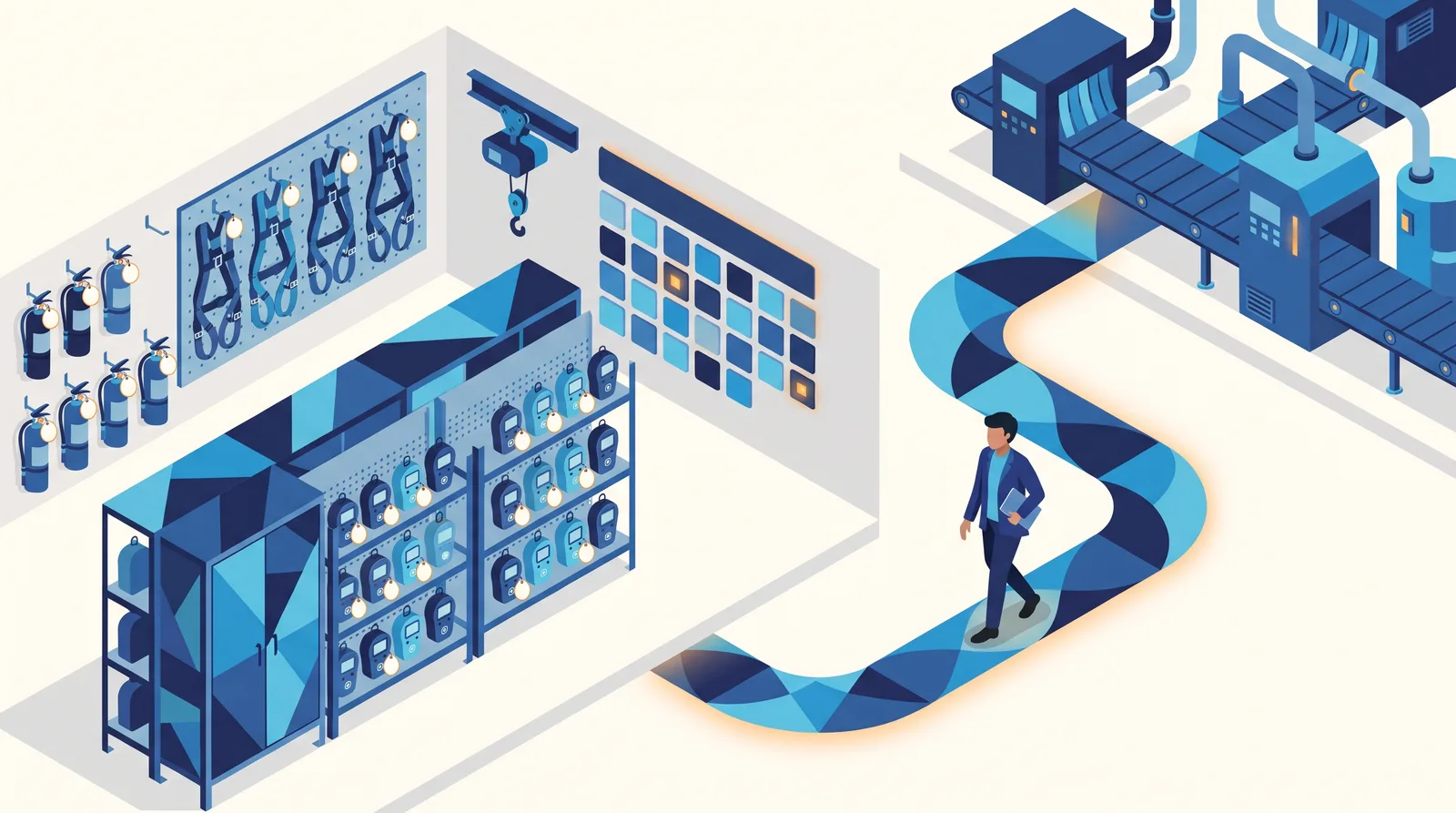
The short answer. To track customer equipment service dates in a CRM, a distributor needs three things on every item it sold: where the item sits (the customer's department, not only the company), when it is next due and how often it repeats, and how many days ahead someone should be told. The CRM then has to put that date in front of the rep who owns the account, early enough to book the work, and ideally draft the note to the customer. On the vendors' own pages, read November 5, 2026, Salesforce and Dynamics 365 document their equipment records under separately priced service products built around work orders. HubSpot and Zoho can hold equipment as a custom object or custom module with date-based workflows, and the ERP route, such as Epicor Prophet 21's Service and Maintenance module, keeps schedules and serial numbers next to the order. AlterFlow's sales and territory CRM, listed on our site as Running in production, holds equipment at the department with a service type, a due date, a repeat and a reminder lead time, and drafts customer reminders for a rep to approve.
Why does a distributor track equipment it has already sold?
Because each item comes back on a date. A hoist is due for its annual check, a breathing apparatus for its service, a fixed gas head for its test. Each date is a reason to call that needs no excuse, and a missed date can be work that goes to whoever called first. Our Salesforce article makes the same point about the installed base as the next sale; this one is about keeping the dates.
The question is where those dates live. If yours sit in a spreadsheet kept by one person, in a technician's memory, or in the ERP as an invoice line with a serial number and no reminder, none of those puts the date in front of the rep who owns the account a month before it matters.
What should each equipment record hold?
This is the minimum we recommend, whichever system you use. Each row answers a question a rep or the office is likely to ask early on.
| Field | Why it matters | Example |
|---|---|---|
| Customer and department | The person who books the service is at the department, not head office | Water Treatment, inside a municipal account |
| Equipment type | Groups the reminders and the quote | Portable gas detector |
| Quantity or serial number | One line per type is enough for a sales reminder; a certificate needs the unit | 12 units, or one record per serial |
| Service type | Calibration, inspection, recertification and replacement are different jobs | Annual inspection |
| Next due date | The date the whole record exists for | March 14 |
| Repeat | So the next date is not typed by hand every time | Annual, six-month, quarterly |
| Days before to remind | Long enough to book a visit, order parts, or quote a replacement | 45 days |
| Owner | Who is told: the account's rep, or a service coordinator | The territory rep |
| Condition or age | Turns a service visit into a replacement conversation | Aging, due for replacement |
The quantity-or-serial row is the first real decision. If you only need the rep to call ahead of the date, one line per equipment type at each department is lighter to keep up and easier to import. If you issue a certificate per unit, or a regulator asks for the history of one serial number, you need a record per unit, and that usually means a service system rather than a sales CRM.
What should happen before the date?
The record is the easy half. The half that decides whether the dates turn into work is what happens in the weeks before each one. In our view a working loop has four steps:
- The rep sees it coming. The item appears on the rep's daily list a set number of days ahead, alongside follow-ups and quiet deals, not in a separate report nobody opens.
- The customer hears from you first. A reminder to the customer's contact is drafted, and a person reads it before it goes, because the contact, the quantity or the price may have changed.
- The visit or quote is booked. The reminder becomes an activity, a quote or a service booking on the same customer record.
- The next date is set. Once the work is done, the next due date moves on by the repeat, so the loop starts again without anyone remembering to restart it.
Ask every vendor to show you all four on one piece of equipment, live. Any of the products below can store a date; the second and fourth steps are where to look closely, and where to ask what you would have to build.
How do five systems hold equipment and service dates?
Each row comes from the vendor's own pages, read November 5, 2026. Dates in brackets are the page's own "last updated" stamp where it shows one. We describe what each page says, not how well it works in your business. Prices are in US dollars unless marked, as printed on each pricing page.
| System | Where equipment lives | How the date and repeat are held | What triggers the reminder | Edition, as the vendor lists it |
|---|---|---|---|---|
| HubSpot | No equipment object of its own on the object overview page [October 2, 2026]; a custom object is the documented route for data that fits outside the standard objects [October 20, 2026] | A date property on the record you choose | A workflow with a "based on a schedule" trigger can run on a date property, before, on or after it [November 3, 2026] | Custom objects: Enterprise. Workflows: Professional and Enterprise |
| Zoho CRM | A custom module ("Create modules of your own") [May 12, 2026] | A date field on that module | A workflow rule set to execute based on a date or date time field's value, once, every month or every year (no date shown) | Custom modules: Standard 10, Professional 25, Enterprise 200, Ultimate 500 |
| Salesforce | The Asset record: "the specific products your customers have purchased", documented under Field Service (no date shown) | A maintenance plan defines how often visits occur | The maintenance plan generates work orders for future visits | The help pages say Field Service core features are available in Enterprise, Unlimited and Developer editions. Service Cloud lists asset management from Core (US$195 per user per month, billed annually) |
| Dynamics 365 | Customer assets in Field Service: equipment "that requires inspections, maintenance, and repairs" [November 13, 2025] | An agreement with frequencies and date ranges [August 28, 2026] | The agreement generates work orders; if no lead time is set, seven days ahead of the booking date [March 3, 2026] | Field Service: US$105 per user per month, paid yearly |
| Epicor Prophet 21 (ERP) | Service and Maintenance module, at the item level, with warranty records by serial number (no date shown) | Preventive maintenance schedules | "Automated reminders", and service orders created against the schedules | No edition or price on the page |
Three things stand out. First, the general CRMs split into two families: HubSpot and Zoho let you build an equipment record and a date reminder yourselves, while Salesforce and Dynamics 365 document equipment records in separately priced products (Field Service and Service Cloud; Salesforce's Revenue Cloud also lists asset lifecycle), with the schedule tied to work orders. Second, those two products (Salesforce and Dynamics 365) tie the date to a work order for a technician, which is right for a service team and more than a rep needs to make a call. Third, if you already run Prophet 21, its own module keeps schedules and serial numbers beside the order history, and that is worth pricing before you build the same thing in a CRM.
Two cautions. On HubSpot and Zoho, the reminder is something you configure, so ask who maintains it when the cadence or the owner changes. And Zoho's setup step names four system date fields, while its own example uses a deal's closing date; confirm in a trial that a rule runs on your own service-due field in your edition.
For HubSpot and Zoho side by side on the rest of a distributor's needs, see HubSpot vs Zoho for industrial distributors. For the Salesforce stack in more detail, including Field Service and Service Cloud prices side by side, see Salesforce for distributors.
Should the dates sit in the CRM or the ERP?
It depends who acts on them. If a service coordinator schedules technicians and the work is invoiced from the ERP, the ERP's service module or a field service product is the natural home. If the reps are the ones who call ahead, quote the replacement and keep the relationship, the date belongs where they work every morning, which is the CRM. Many distributors need both: the ERP keeps the serial number and the warranty, and the CRM keeps what is coming due at which department and who is calling about it. Our CRM vs ERP article covers that split for the rest of the customer record.
How do you start from the spreadsheet you have?
You probably have the list somewhere already. The steps we recommend before any import:
- Pick one equipment family that recurs, such as gas detectors or extinguishers, rather than everything at once.
- Put each line under its department, not only the company. If the spreadsheet only says the company, ask the rep which department books the service. Our account hierarchy article covers how to structure that.
- Agree the repeat and the lead time for that family, once, so every line does not carry its own guess.
- Name the owner for each line: the territory rep by default.
- Import, then check five records by hand against the paper or the ERP before you trust the reminders.
A family done properly in a month is worth more than a full list that nobody believes.
When is another system the better choice?
- Salesforce or Dynamics 365 when you run a service team that dispatches technicians, and each due date should become a work order with a booking. That is what their asset, maintenance-plan and agreement pages describe. Expect to price the service product on top of the sales licences.
- Your ERP's service module, such as Prophet 21 Service and Maintenance, when serial numbers, warranties and service orders already run there and the reps mostly need a list of what is due.
- HubSpot or Zoho when equipment is a modest part of the business and someone on your team is happy to build and maintain a custom object or module and its workflows. On HubSpot, check the edition: custom objects are listed on Enterprise; below that, the date can sit as a property on a standard or activated object.
AlterFlow is not the right fit, today, if you need a record and a certificate per serial number, prescribed inspection forms, or technician dispatch. Our sales CRM tracks service dates for the rep; the inspection side is a separate module, listed on our site as In development and not built yet.
How does AlterFlow track equipment service dates?
The sales and territory CRM is listed on our site as Running in production. As the site describes it:
- Equipment is held at the department that owns it, inside the customer's account, with its category, condition, year in service and plans to buy.
- Each piece of equipment carries its service dates: a service type, a due date, a repeat (annual, six-month, quarterly or custom) and how many days before the date to remind.
- The rep is told. Service coming due appears on the rep's Home screen and in the morning email, within a seven-day look-ahead, next to overdue follow-ups and quiet deals. The morning email goes out at 07:30 by default, and each person picks their own time.
- The customer reminder is a draft. A nightly job writes a reminder to the customer's contact, and a rep approves it before it sends. Nothing reaches a customer until one of your people approves it.
What we do not claim: a record per serial number, certificates, inspection checklists, dispatch, or setting the next date automatically when the work is signed off. Of the four steps above, the CRM covers the first two. The rest belong to the Service, inspection and maintenance module, which is In development and cannot be tried yet.
Frequently asked questions
What is equipment service tracking in a CRM?
It means each item a customer bought from you is a record under that customer, carrying its next service or recertification date, how often it repeats and who should be told ahead of it. The point is that the CRM puts the date in front of the rep in time to book the work, rather than leaving it in a spreadsheet.
Do I need a serial number for every unit?
Not for a sales reminder. One line per equipment type at each department, with a quantity and a due date, is enough for a rep to call ahead. You need a record per serial number when you issue certificates per unit or must show one unit's history, and that usually points to a service system or your ERP.
Can HubSpot track equipment service dates?
HubSpot documents the pieces rather than a ready-made feature: custom objects on Enterprise and date-based workflows on Professional and Enterprise, per its help pages read November 5, 2026. The HubSpot vs Zoho comparison covers the rest.
How far ahead should a service reminder go out?
Far enough to book a visit, order parts or quote a replacement before the date: for most families we would start at 30 to 60 days and adjust after the first round.
Should the system email customers automatically?
We recommend a person reads every reminder before it goes, because the contact, the quantity or the price may have changed since the last visit. In AlterFlow's CRM the reminder to the customer is a draft that a rep approves before it sends.
Does the working demo show service reminders?
The public working demo is a prototype on sample records. It shows equipment with a service due date at a department and flags items coming due soon. It does not send reminders or create follow-ups; book a walkthrough and we will take you through how those work.
See the structure first. The working demo is open with no form and no sign-up: a prototype on sample records, where you can open a customer, see its departments and the equipment held at each one with its due date. Book a walkthrough and we will take you through how the reminders and customer drafts work; bring one equipment family from your own list. More on the product is at AlterFlow's CRM for industrial & MRO distributors, and the wider buying questions are in how to choose a CRM for an industrial or MRO distributor.
Sources, read November 5, 2026, all vendors' own pages. HubSpot: Understand objects (October 2, 2026), Create custom objects (October 20, 2026), Create workflows (October 23, 2026), Based on a schedule enrollment triggers (November 3, 2026). Zoho: CRM complete feature list (May 12, 2026), Configuring workflow rules (no date shown). Salesforce: Set Up Assets and Set Up Field Service Maintenance Plans (no date shown), Service Cloud pricing. Microsoft: Assets in Field Service (November 13, 2025), Agreements overview (August 28, 2026), Set up agreements to generate work orders (March 3, 2026), Field Service pricing. Epicor: Prophet 21 Service and Maintenance (no date shown). AlterFlow: the sales and territory CRM description on its own site, as published on November 5, 2026. Features, editions and prices change; check the vendor's page before you buy.
Related Posts
HubSpot alternatives for industrial & MRO distributors: four options, matched to the job
If HubSpot does not fit your distribution business, the right alternative depends on the job: a cheaper suite, a large enterprise stack, a Microsoft shop, or a CRM built around departments, equipment and territories. Prices and features as read on each vendor's own pages.
Offline CRM for field reps: what has to work at zero bars
For industrial & MRO distributors: what a rep needs from a CRM at a site with no signal, how Salesforce, HubSpot, Zoho, Dynamics 365 and Pipedrive document offline use in their own help pages, where each one stops, and a ten-minute airplane-mode test.